
Build A Basketball Team Tools
Browser-based helpers for roster planning — start with the lineup planner before you spend rerolls or refreshes.
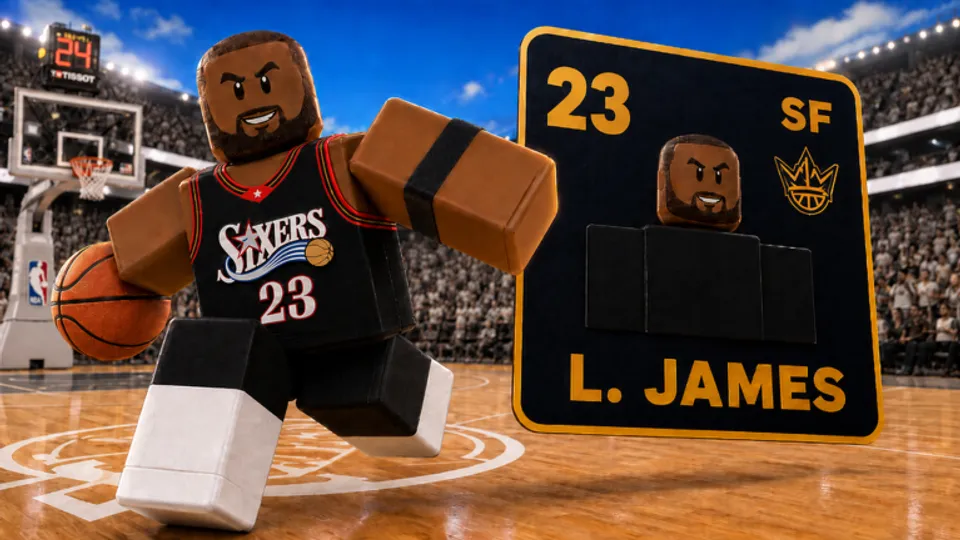
The Tools section hosts interactive helpers that run in your browser alongside our written guides. Build A Basketball Team is a draft-and-chemistry game: you roll cards, slot them into five positions, and chase team Overall Rating (OVR) while respecting natural position bonuses. Spreadsheets work, but a dedicated planner saves time when you are deciding whether a refresh beats a reroll or whether a new pull belongs in your starting five at all.
This hub links every tool we ship for Early Beta. Tools do not connect to Roblox servers, do not automate rolls, and do not replace promo codes or quests. They are planning surfaces only — you still execute decisions inside the live game.
Featured tool: Lineup Planner
The Lineup Planner is the flagship tool in this category. It lets you:
- Enter or select five roster slots with individual card OVR values.
- Mark whether each card sits in its natural position for chemistry modeling.
- See estimated team OVR change when you swap two slots or upgrade one role.
- Compare “fix chemistry first” versus “chase raw rating” before spending a reroll.
The interactive UI renders below the article on the planner page. Read the strategy sections first for context on how Bloxive calculates chemistry, then scroll to the widget to test lineups. No account login is required; nothing you type is uploaded to our servers.
Use the planner when:
- You pulled a high OVR wing but your best chemistry link is at shooting guard.
- You are deciding if a refresh is worth resetting the entire pool versus rerolling one weak slot.
- You want a paper roster before copying builds from Best Lineups or the Tier List.
How tools complement guides and codes
Guides explain why systems behave a certain way; tools let you model outcomes before you commit consumables. Pair this hub with:
- Chemistry Guide — Rules for natural positions, swap patterns, and why mis-slotted stars drag team OVR down.
- How to Reach 100 OVR — Long-term slot priorities once your baseline five is stable.
- Codes — Free rerolls and refreshes that fund the experiments you plan here.
- Build Hub — Sample completed lineups to seed your planner inputs.
A typical session: redeem codes, open the planner with your current five, identify the lowest-impact slot, then reroll once with a target role in mind instead of spamming rolls until inventory is empty.
What we do not host here
This tools section is not a script or executor directory. Early Beta has no verified public automation for Build A Basketball Team; see the honest status on Scripts instead of expecting auto-roll utilities here.
We also avoid paywalled calculators or external iframes that track Roblox cookies. Every tool on this wiki should load from our domain and work offline after the first page load where possible.
Future tools (roadmap mindset)
As Bloxive adds cards, eras, and variants, we may ship:
- Reroll budget tracker — Log how many rerolls you spend per slot over a week.
- Quest checklist — Mirror recurring quest objectives next to code redemption reminders.
- Collection gap finder — Highlight missing positions compared to tier list staples.
Those helpers will appear as new pages under /tools/ with links added here. Early Beta balance passes can obsolete a spreadsheet overnight; browser tools let us update formulas centrally without asking you to download new files.
Getting started
- Read Getting Started if you are new to the lobby and codes button.
- Open Lineup Planner, enter your current roster, and note which slot loses the most OVR when chemistry is wrong.
- Cross-check target roles on Players and Tier List before spending refreshes.
- Track code and patch changes on Updates when new cards shift optimal lineups.
Tools reward preparation. Five minutes in the planner often saves more rerolls than an hour of random rolling in the lobby.
Frequently Asked Questions
Quick answers to the most common questions.
Do Build A Basketball Team tools connect to my Roblox account?
No. Tools on this wiki run in your browser for planning only. They do not log in, inject, or change anything inside the live game.
Which tool should I use first?
Start with the Lineup Planner. Enter your five slots, mark natural positions, and compare OVR before you spend rerolls or refreshes.
Are these tools a replacement for scripts?
They replace the planning part of what players hope scripts would do — without ban risk. For automation claims, see the Scripts hub; verified public scripts do not exist yet in Early Beta.
Where does the interactive planner appear?
On the Lineup Planner page, the client component renders below the article body. Read the strategy sections first, then scroll to the tool UI.